1 Choose your plan
Not sure which plan? Compare all features. Memberships are monthly — we email you a reminder when the next month’s fee is due.
2 Make Payment
Please note: fees are non-refundable once service starts. Read our Terms & Refund Policy before paying.
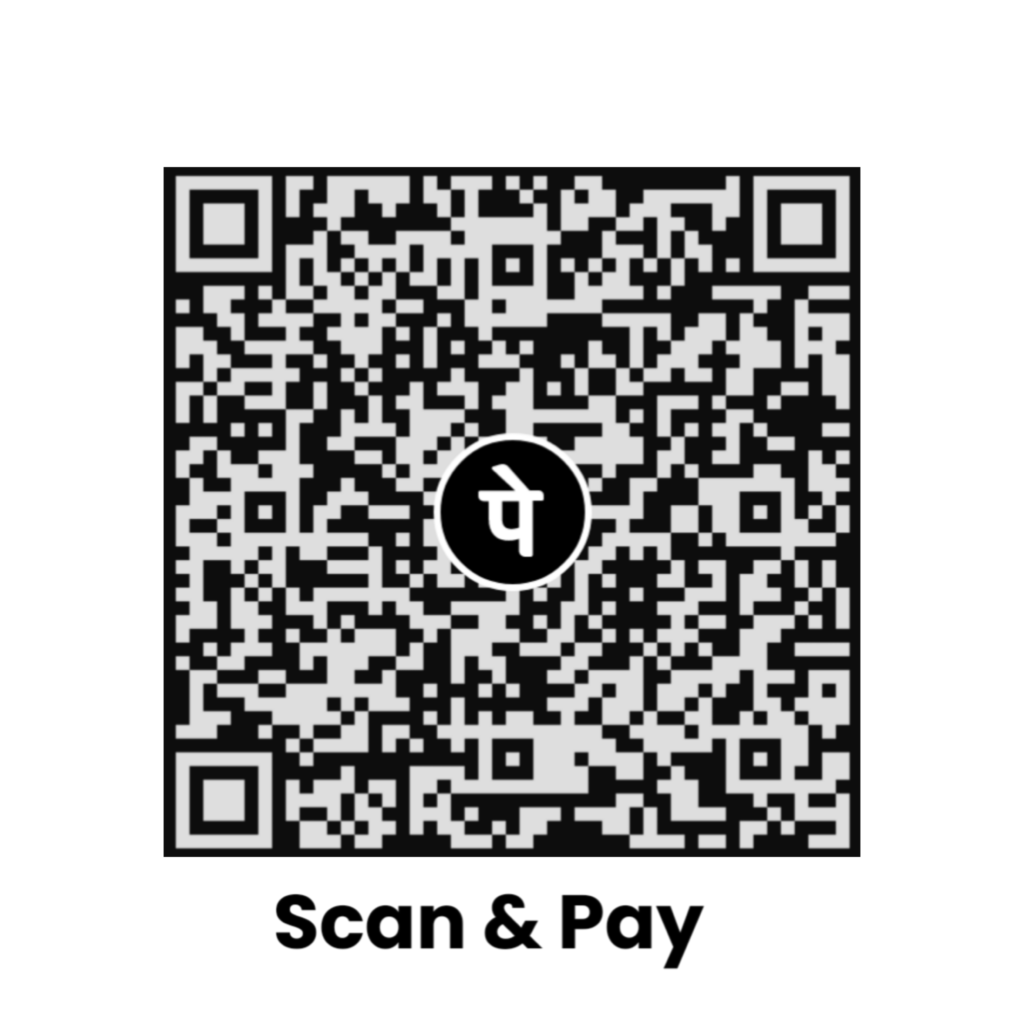
Pay Via QR CODE
Scan with any UPI app — PhonePe, Google Pay, Paytm, BHIM or your bank's app.
Enter this amount in your UPI app after scanning.
Kindly save the QR CODE to make the Payment
Save QR CODEPay Via UPI ID
Select any of the below UPI IDs to pay the consultation fee.
- UPI ID - ksahar@axl
- UPI ID - borteam@ptyes
Add this note in your payment:
3 Submit your transaction ID
After paying, your UPI app or bank shows a transaction ID (also called UTR or reference number — usually 12 digits, sometimes longer or with letters). Enter it below so we can confirm your payment quickly.
Prefer WhatsApp? After making the payment, please send the payment screenshot on WhatsApp at 7718970312 for confirmation.